Server Components vs. Client Components: A Next.js Deep Dive
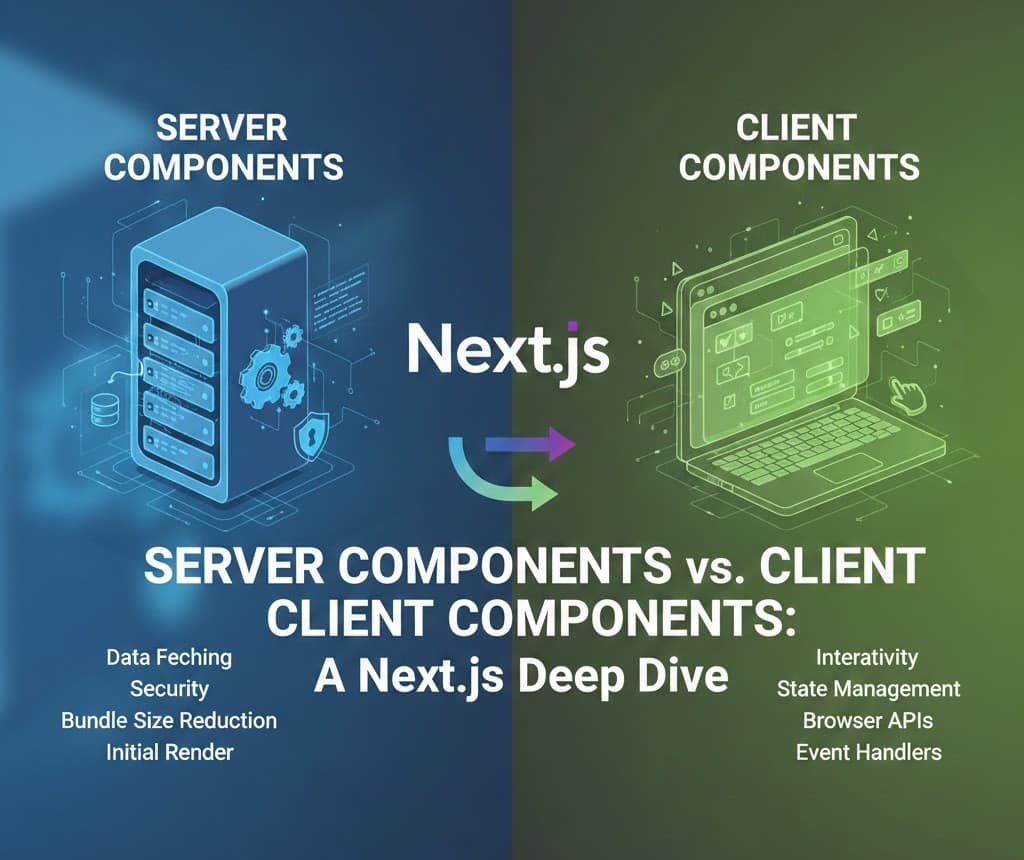
This extensive article goes beyond the basics to dissect the architectural shift introduced by React Server Components (RSC) and how Next.js 13/14 effectively implements them. We explore the profound implications of rendering components on the server, including automatic code splitting, reduced client-side JavaScript bundles, and improved initial page load performance, which is critical for modern web applications aiming for 100% Core Web Vitals scores.
The introduction of React Server Components (RSC) and the subsequent architecture in Next.js 13+ is perhaps the biggest shift in React development since the introduction of Hooks. This article aims to clarify what these components are, how they interact, and why they are essential for modern web performance.
🚀 Understanding the Paradigm Shift
Historically, React applications were rendered primarily on the client (CSR) or rendered to a static HTML string on the server (SSR). With RSC, a component's rendering environment determines its capabilities.
1. Server Components (Default)
Server Components (/app directory में default) server-side execute hote hain build time par ya per-request par.
- Capabilities: Server-side data fetching (direct database/file system access), environment variable access, and minimal client-side bundle size.
- Limitations: No access to browser APIs (
window,localStorage), cannot use React Hooks (useState,useEffect), and cannot handle user interactivity directly. - Performance Benefit: They send only the description of the UI (a serialized tree) to the client, not the actual JavaScript needed to render them. This is the key to minimizing the client bundle.
2. Client Components ('use client')
Client Components browser mein render hote hain, just like traditional React components.
- Capabilities: Can use all React Hooks, access browser APIs, handle user interaction, and manage local state.
- Limitation: The component's JavaScript must be downloaded, parsed, and executed by the browser.
- The Bridge: They are the "islands" of interactivity within the Server Component tree.
🌉 The Interoperability: Hydration
Client Components Server Components ke andar import ho sakte hain, but vice versa nahi!
When a Server Component renders a Client Component, the server component sends a placeholder for that Client Component along with its initial props. The browser then downloads the Client Component's JavaScript and hydrates (makes it interactive) the placeholder HTML.
💡 Best Practices: When to Use Which?
| Feature / Goal | Server Component (Default) | Client Component (use client) |
| :--- | :--- | :--- |
| Data Fetching | Yes (Directly from DB/FS) | Yes (via API routes/fetching) |
| State Management | No (useState) | Yes |
| User Interactivity (Clicks)| No | Yes |
| Accessing browser APIs | No (window, localStorage) | Yes |
| SEO Impact | Excellent (Rendered HTML available immediately) | Good (Initial HTML provided by RSC) |
By strategically isolating interactive parts into Client Components and keeping everything else as a Server Component, you gain maximum performance benefits. This technique is often referred to as "Lifting state up" towards the Server Component tree, and passing interactive logic down into the Client Components.
Conclusion
Next.js Server Components revolutionize application architecture by shifting heavy computational work back to the server, dramatically reducing the burden on the end-user device. Mastering the distinction between these two component types is the core skill for modern Next.js development.